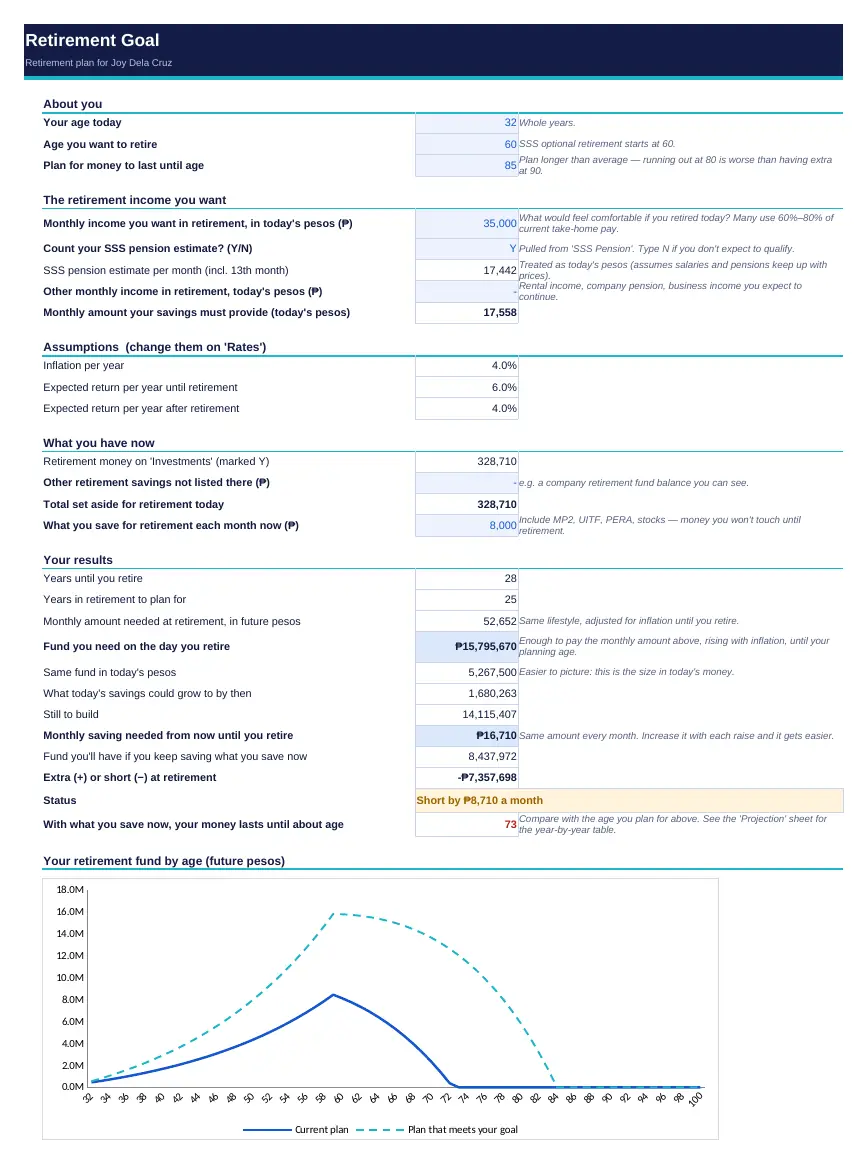
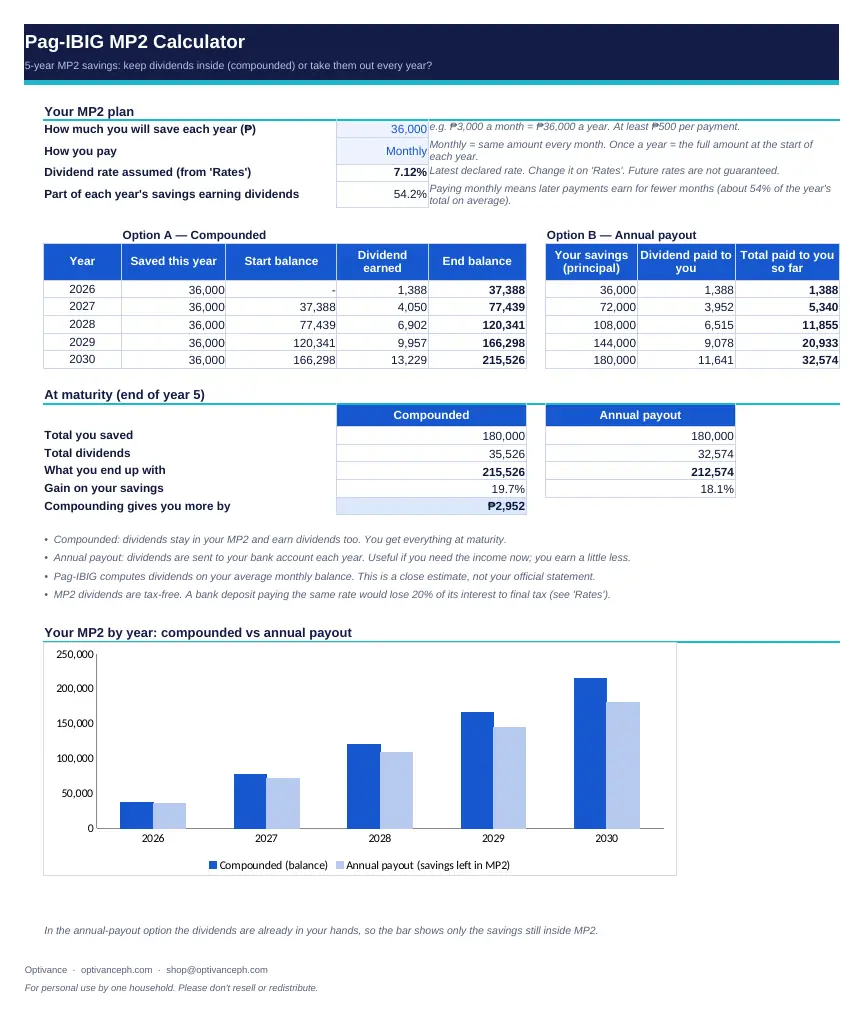
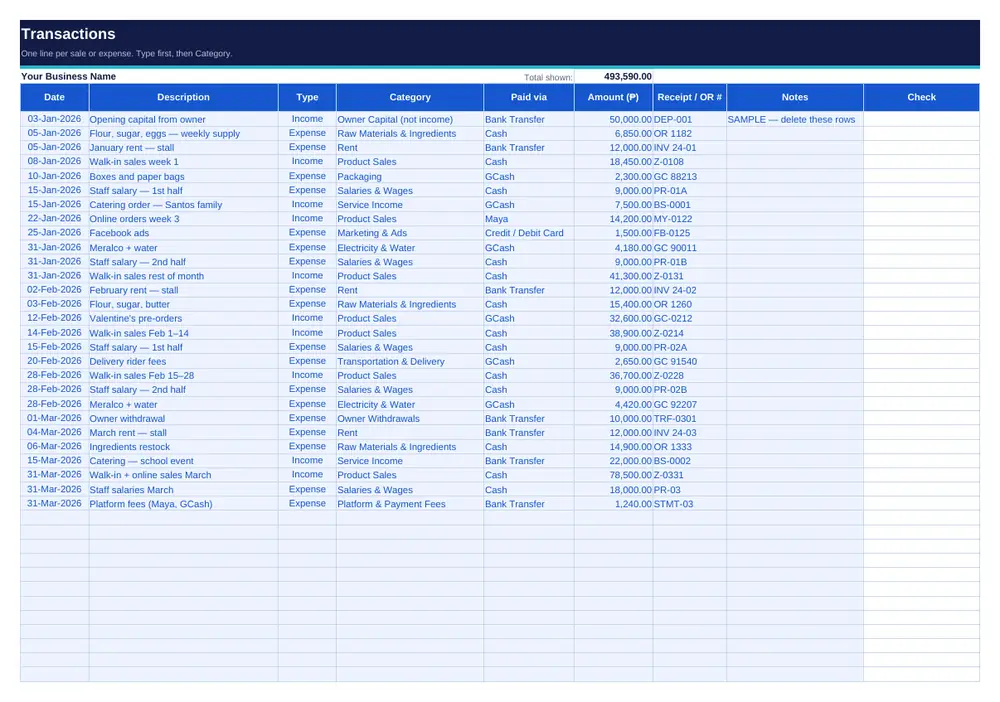
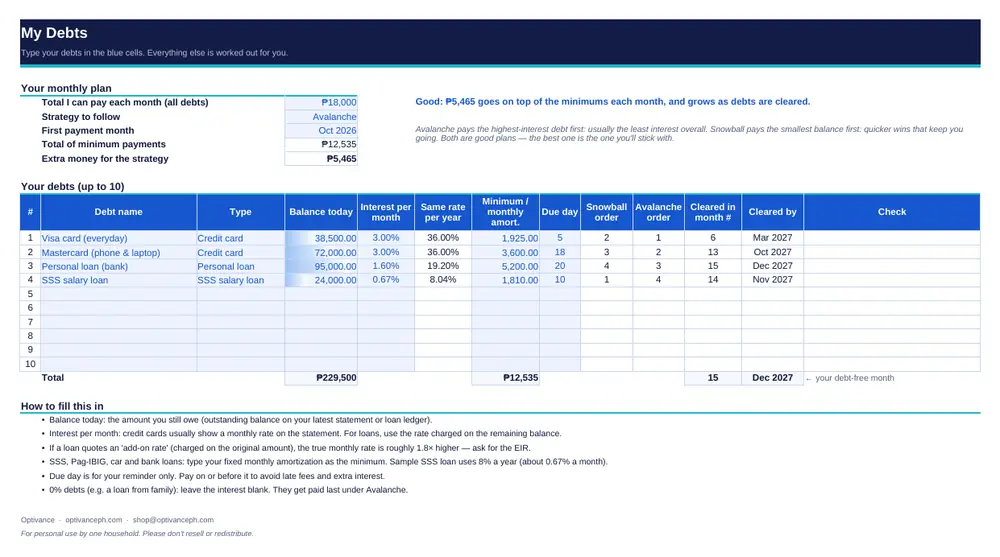
The shop

Or pick just the ones you need

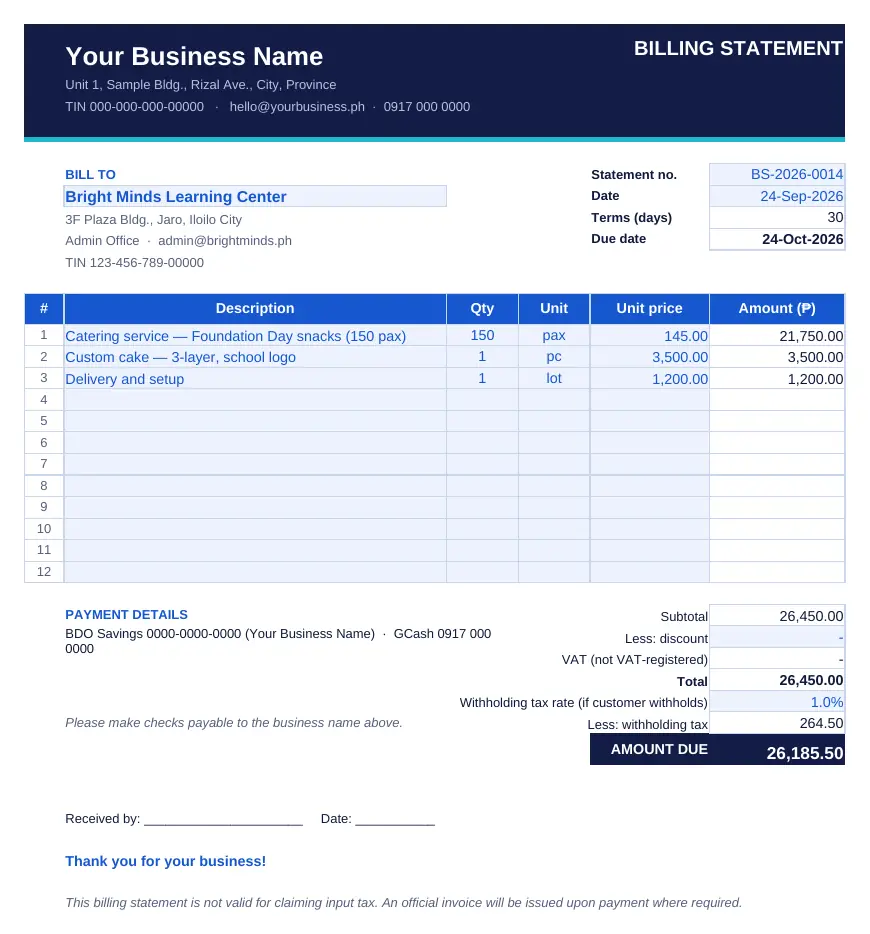
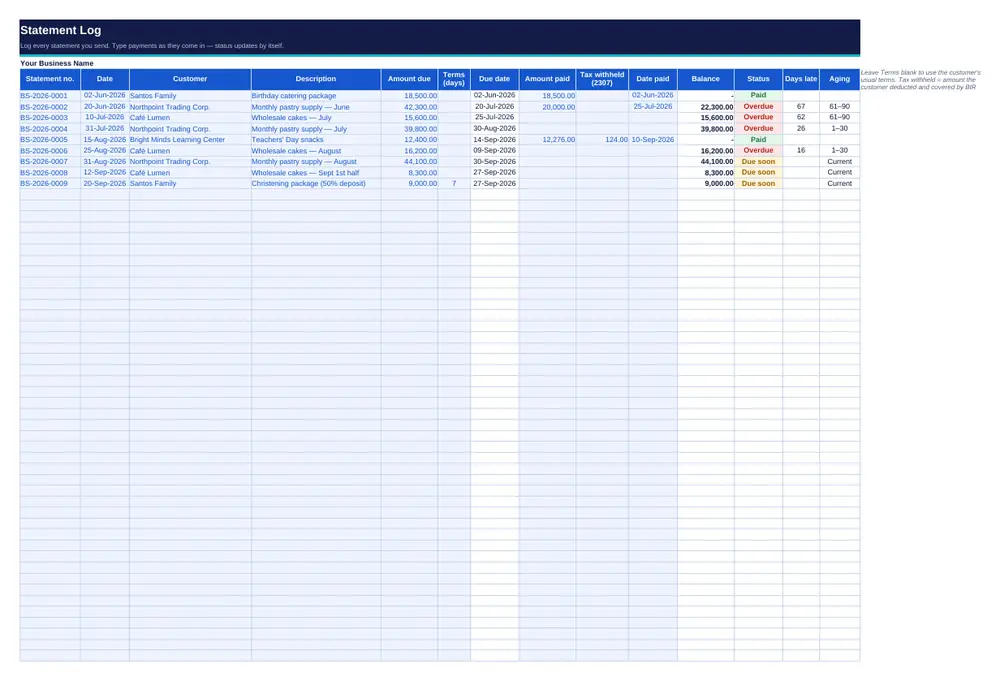
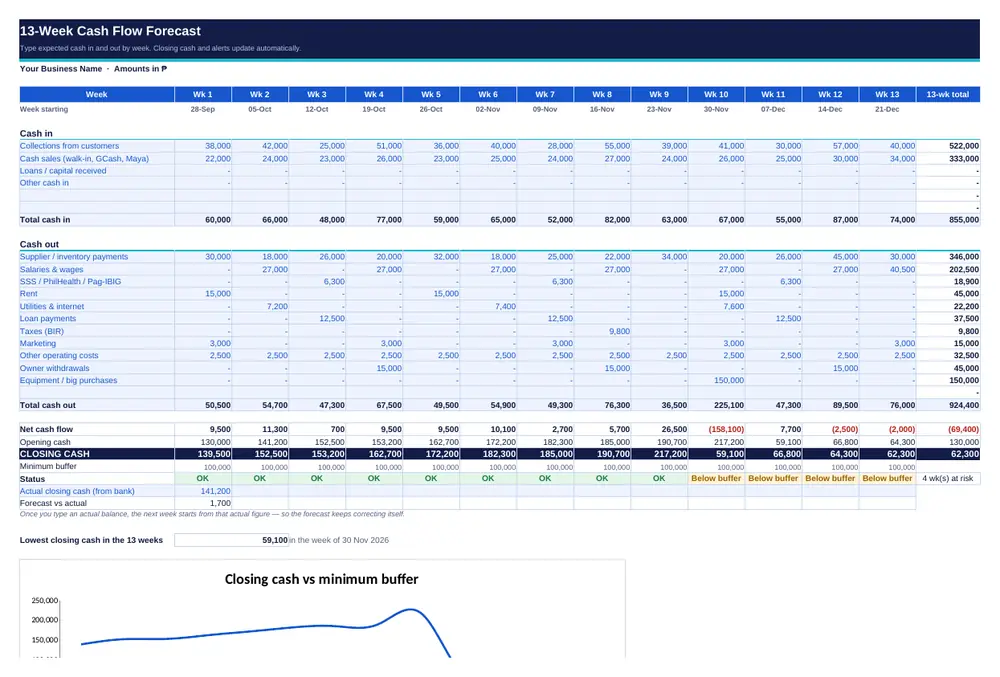
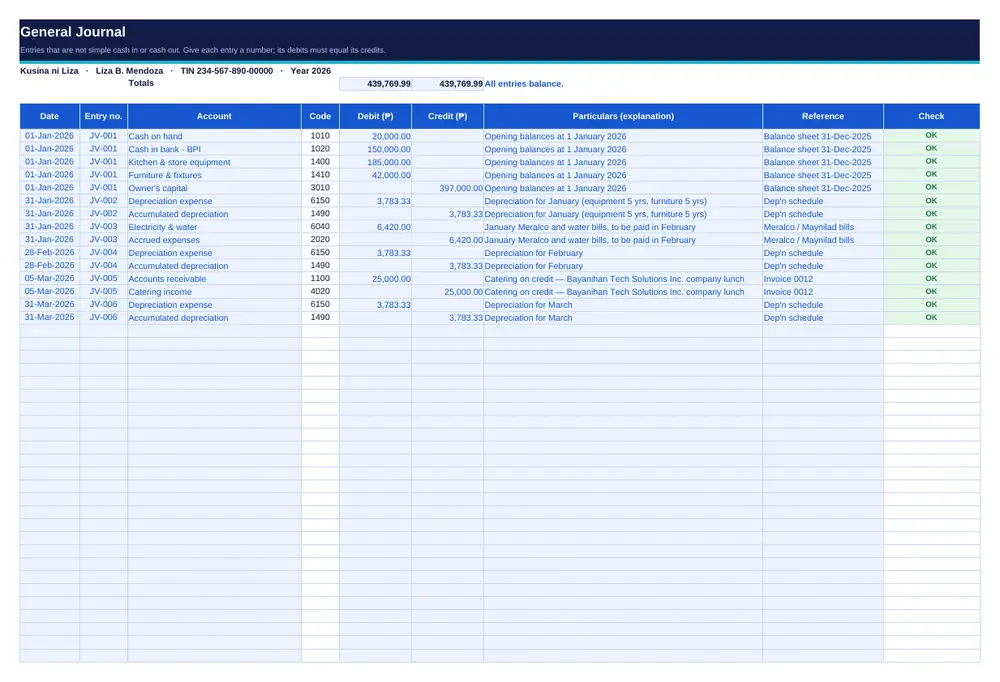
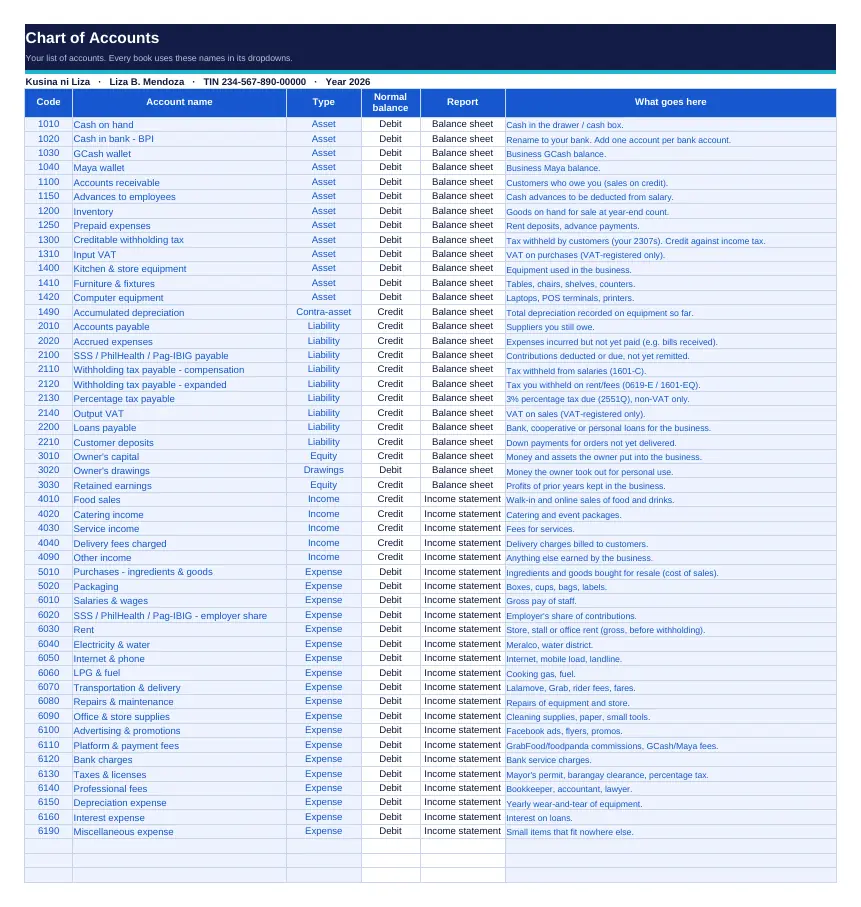
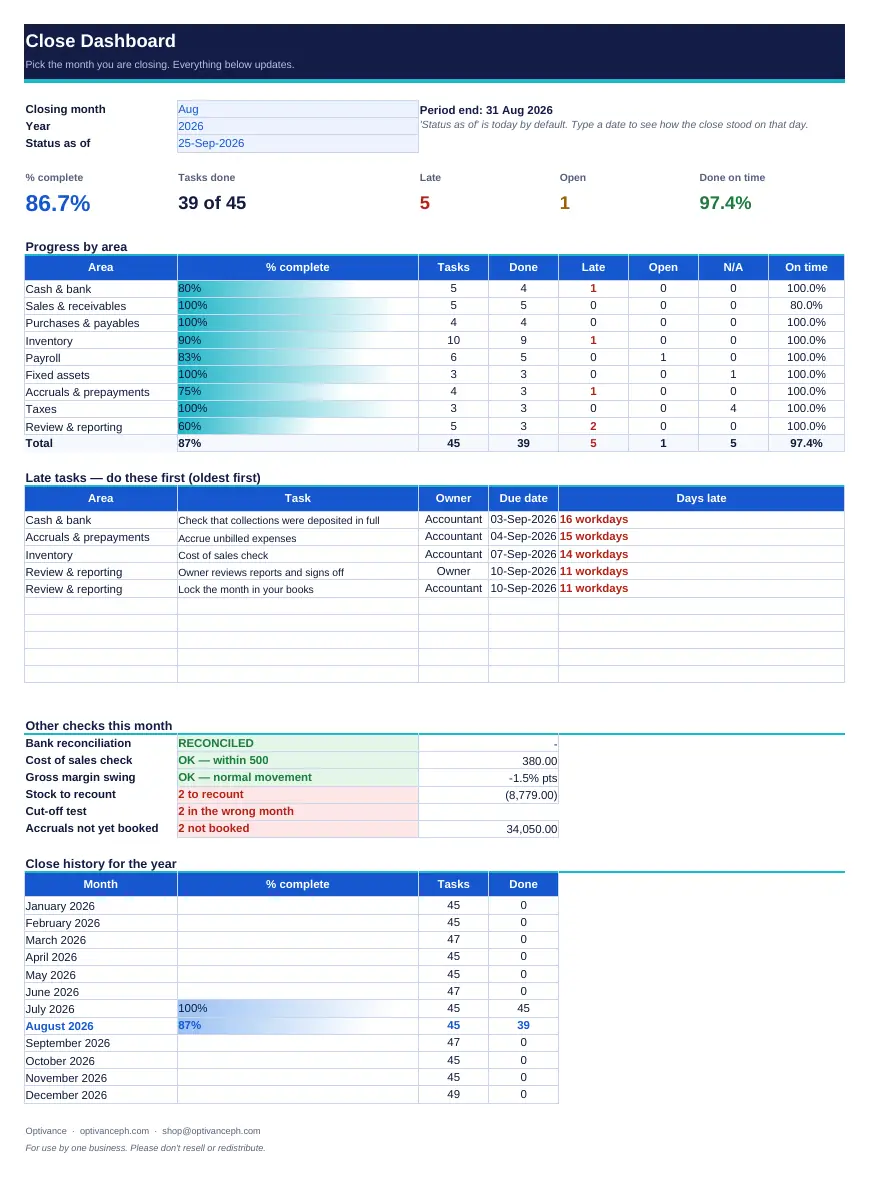
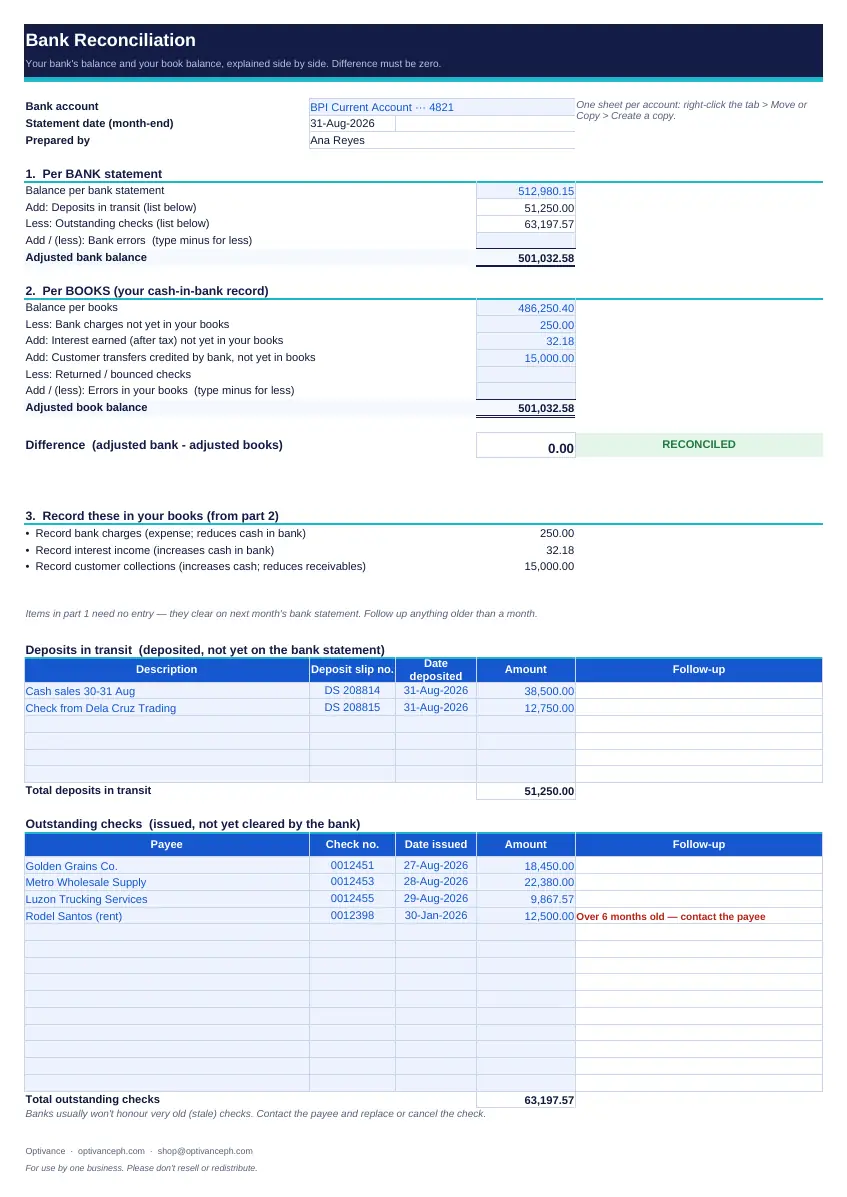
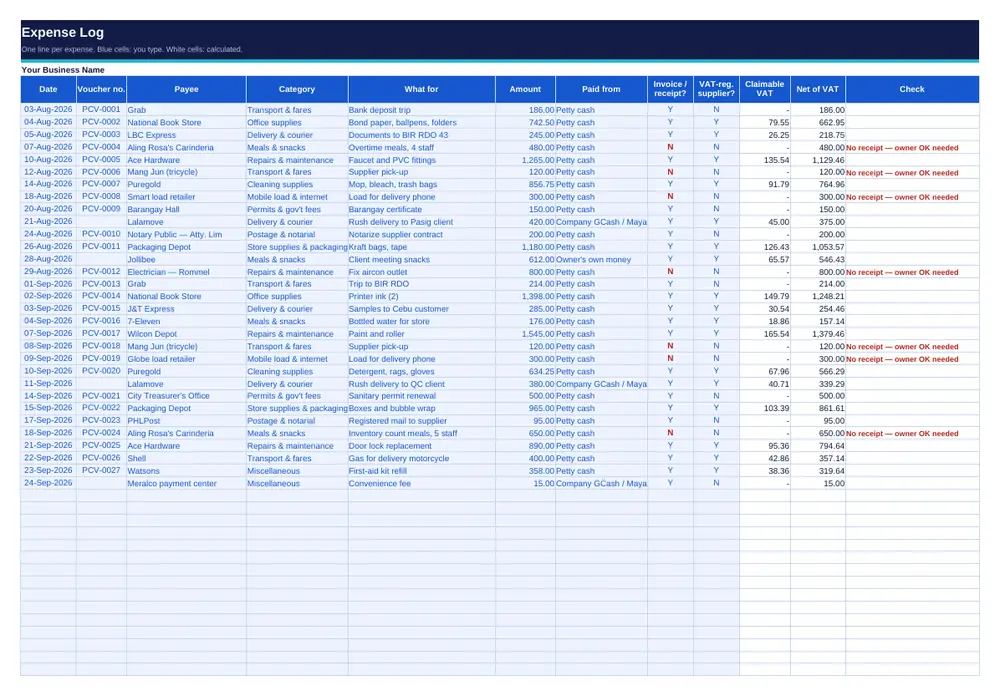
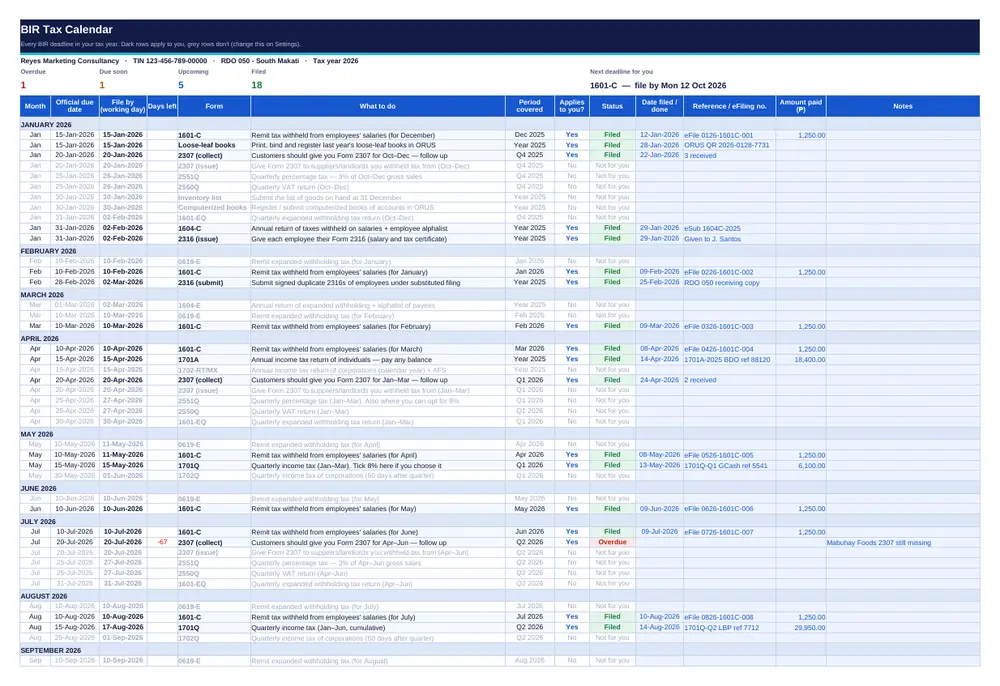
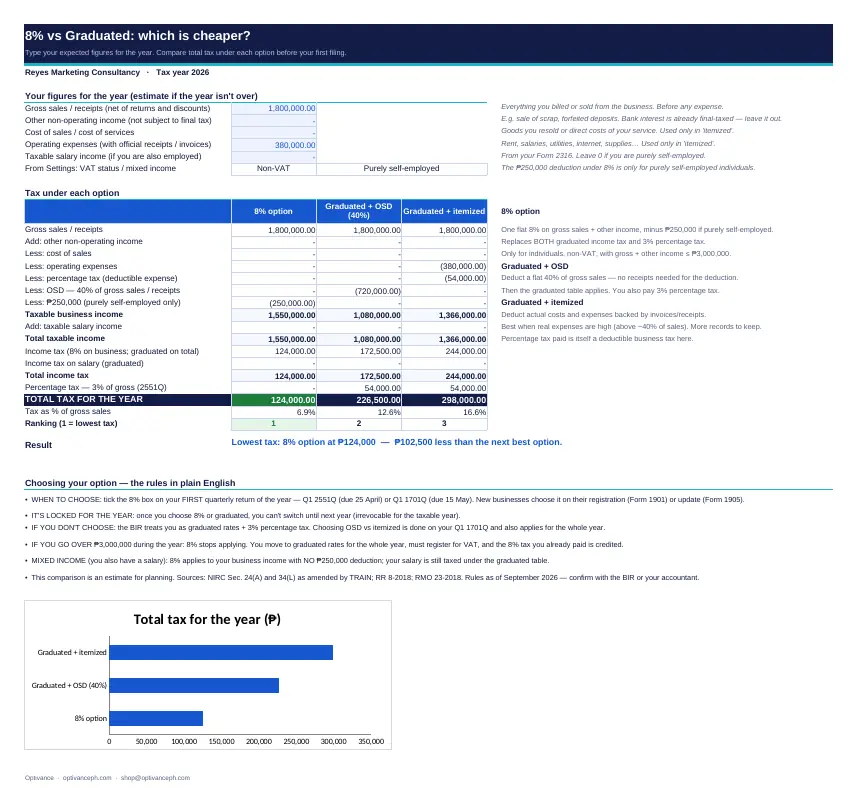
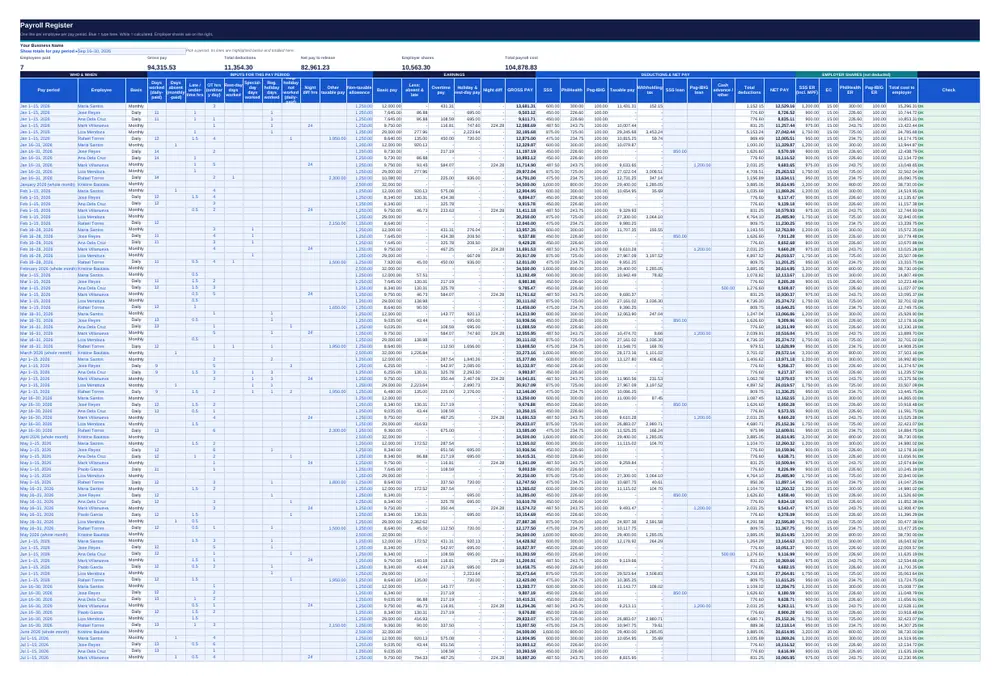
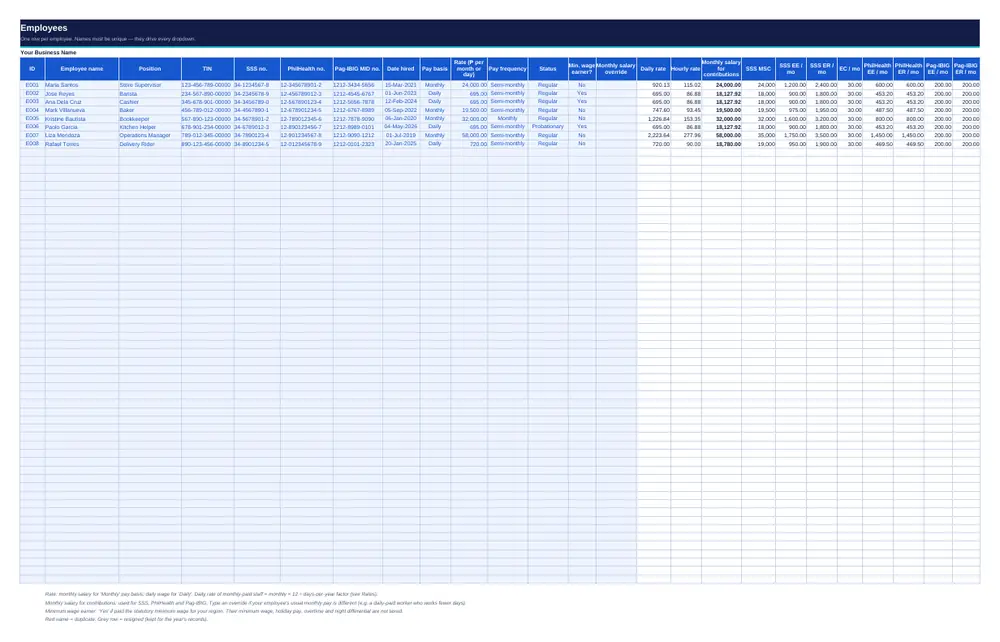
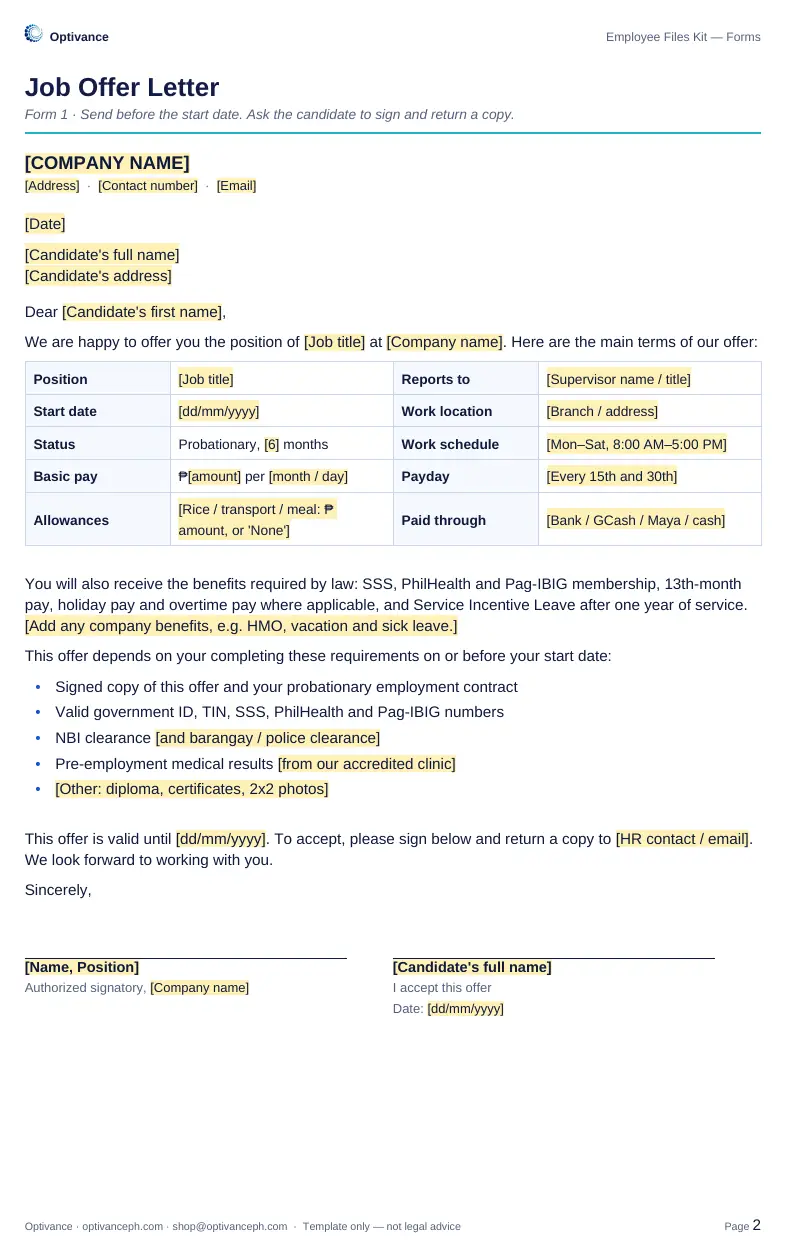
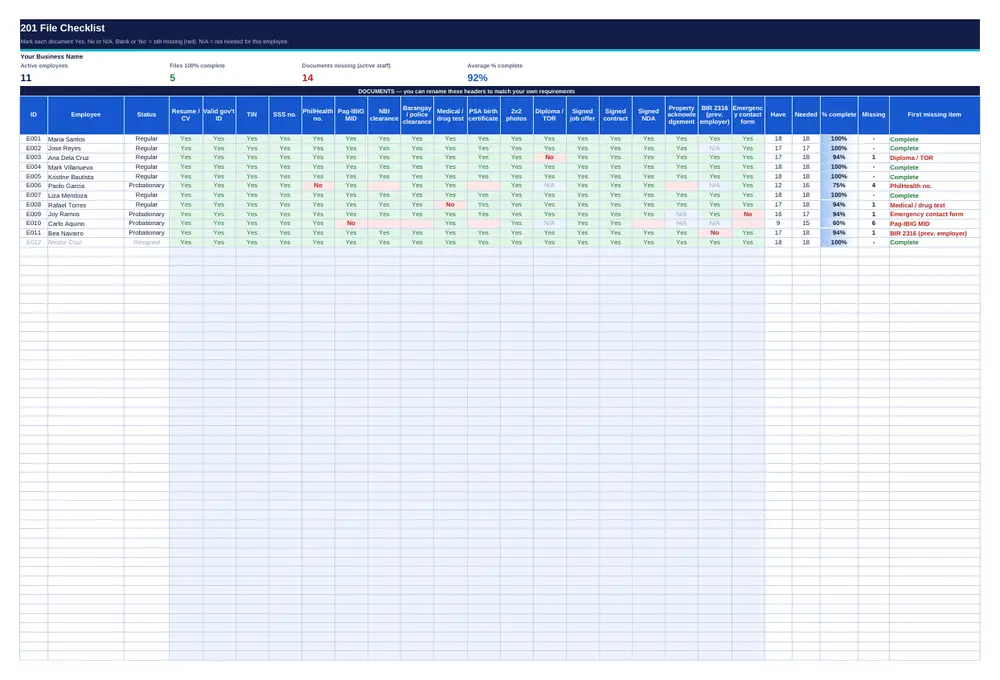
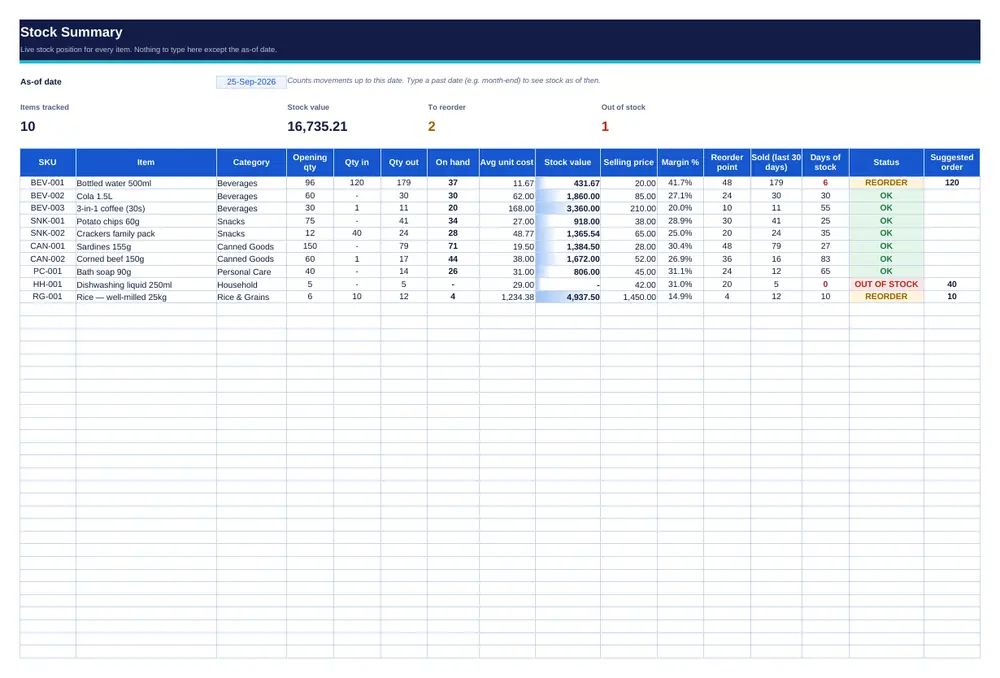
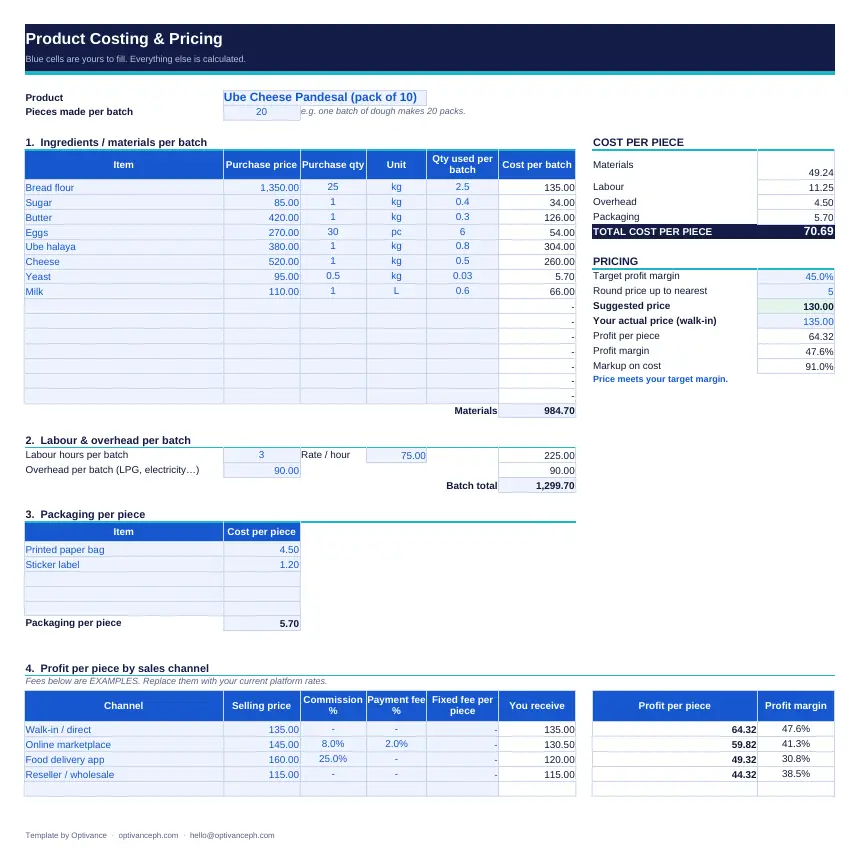
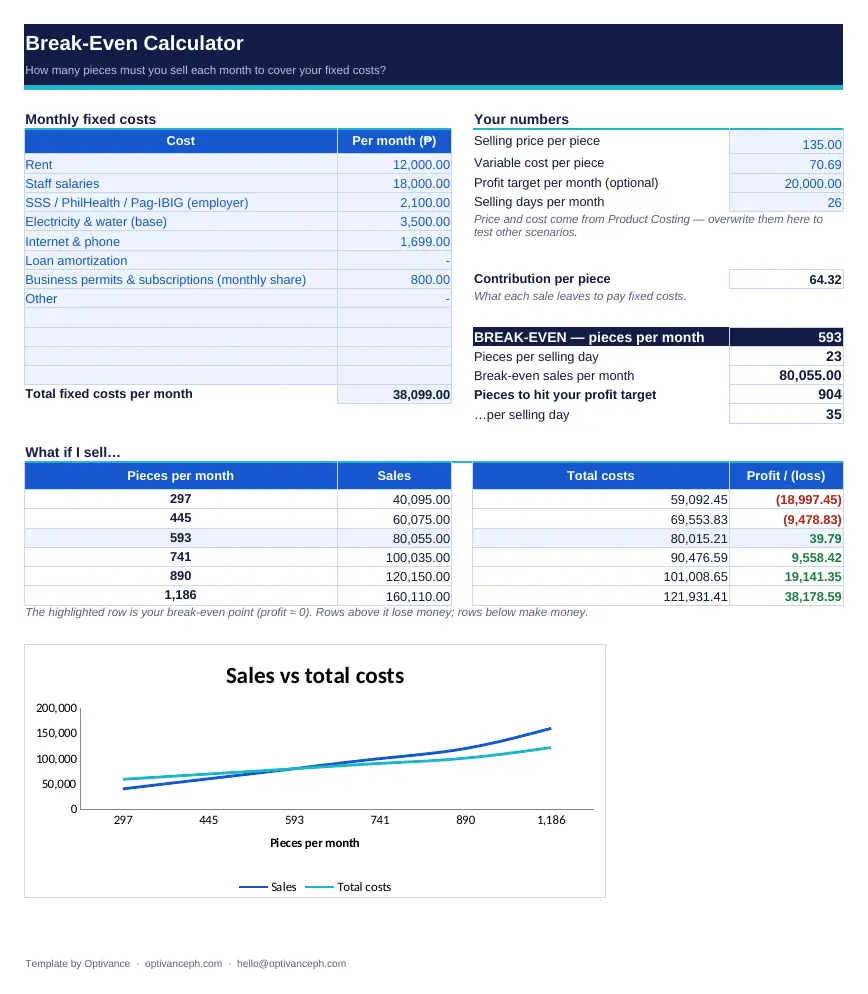
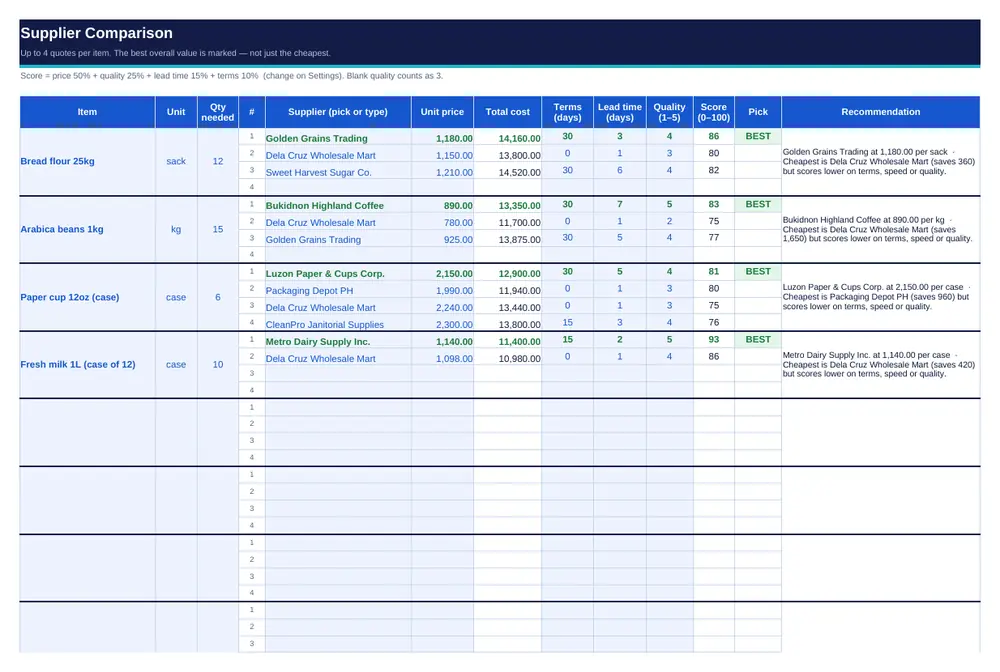
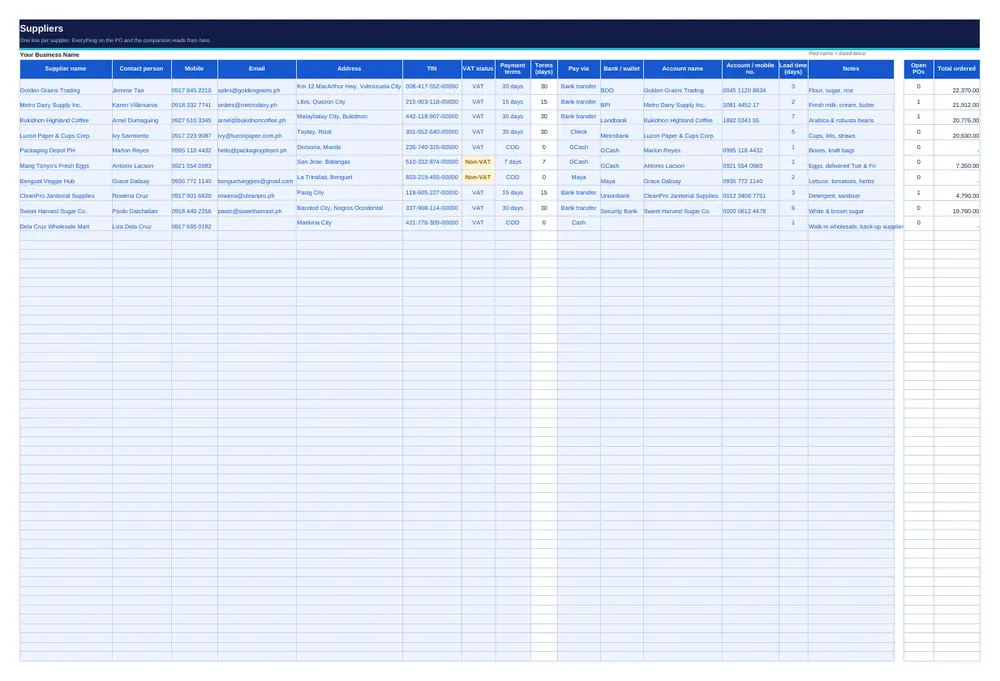
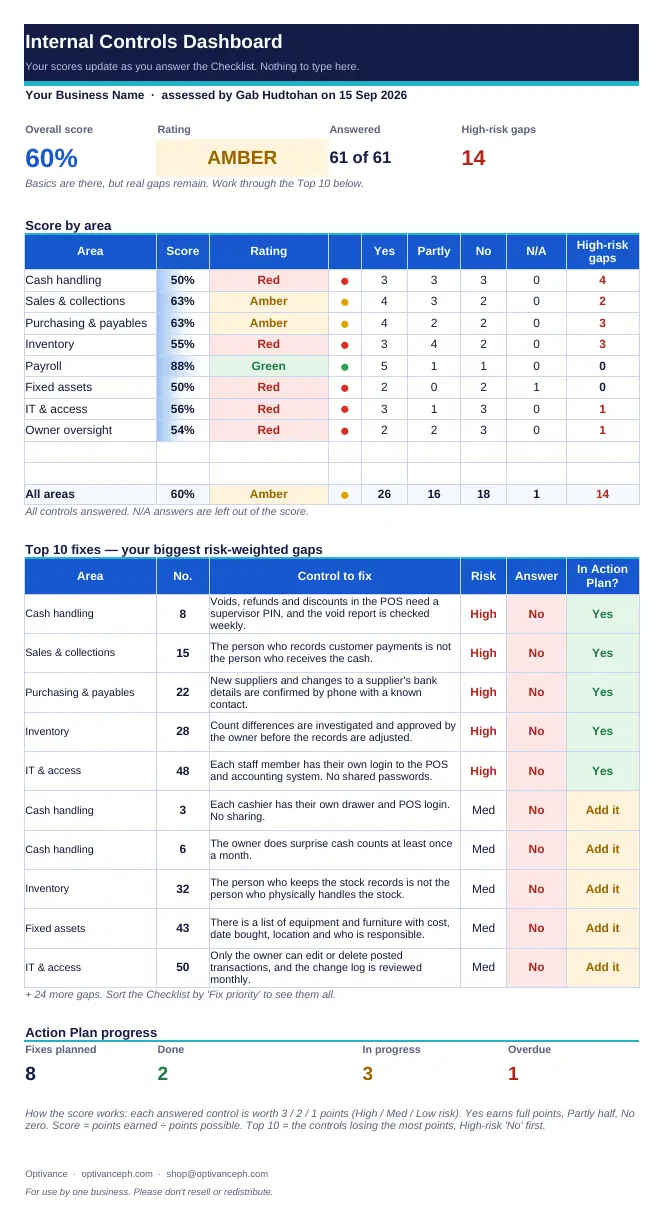
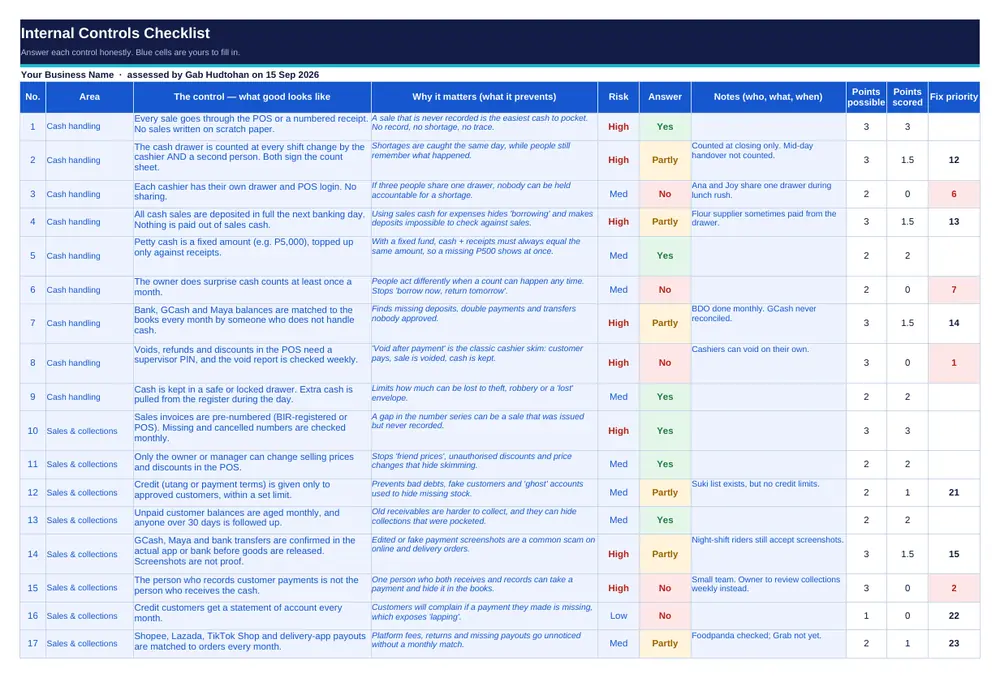
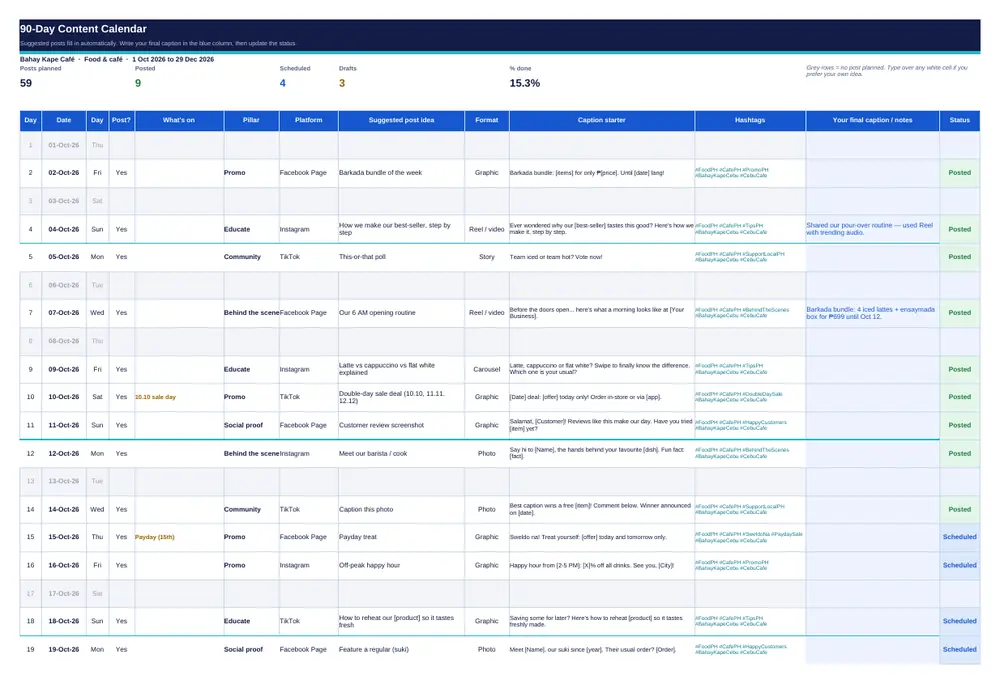
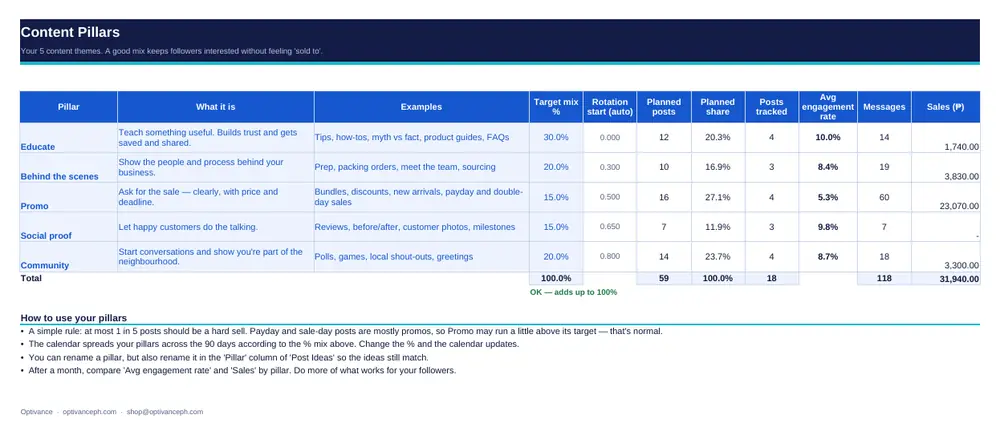
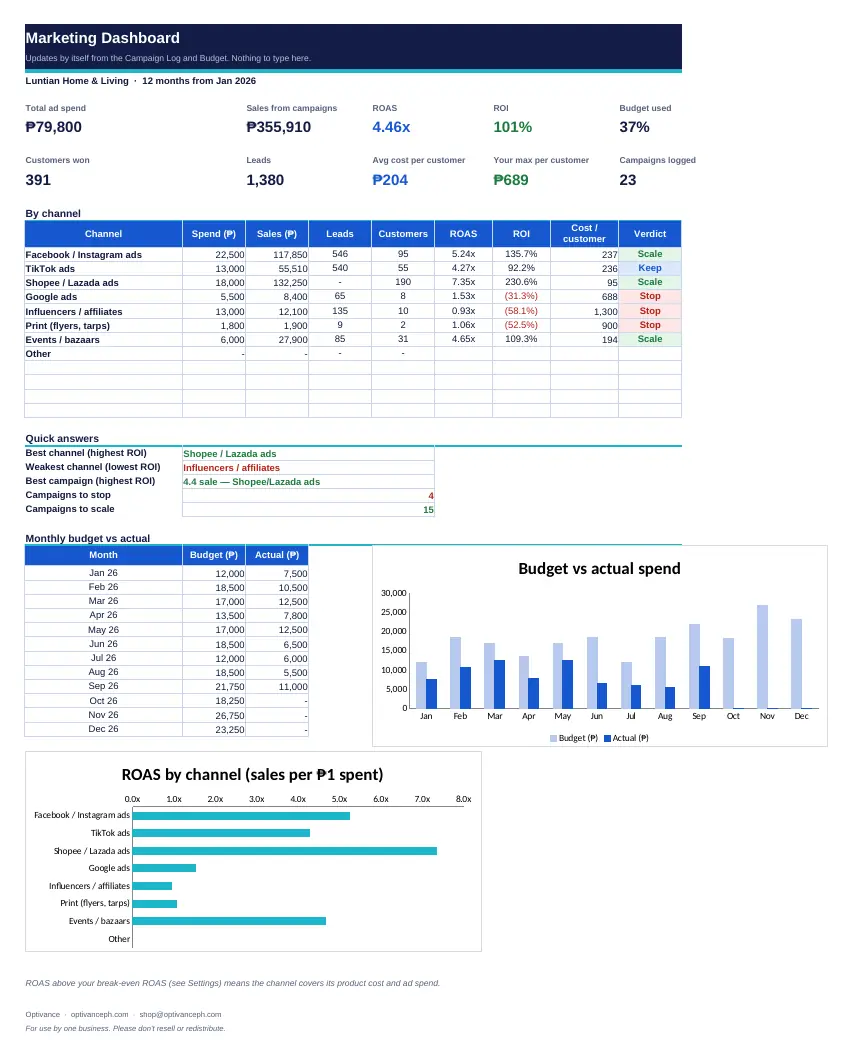
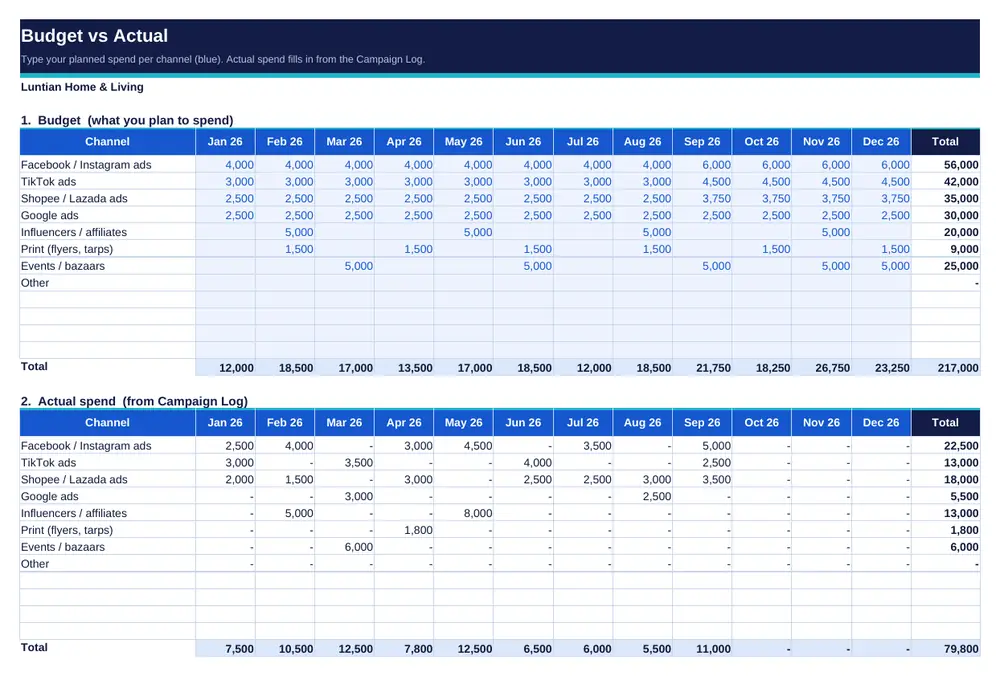
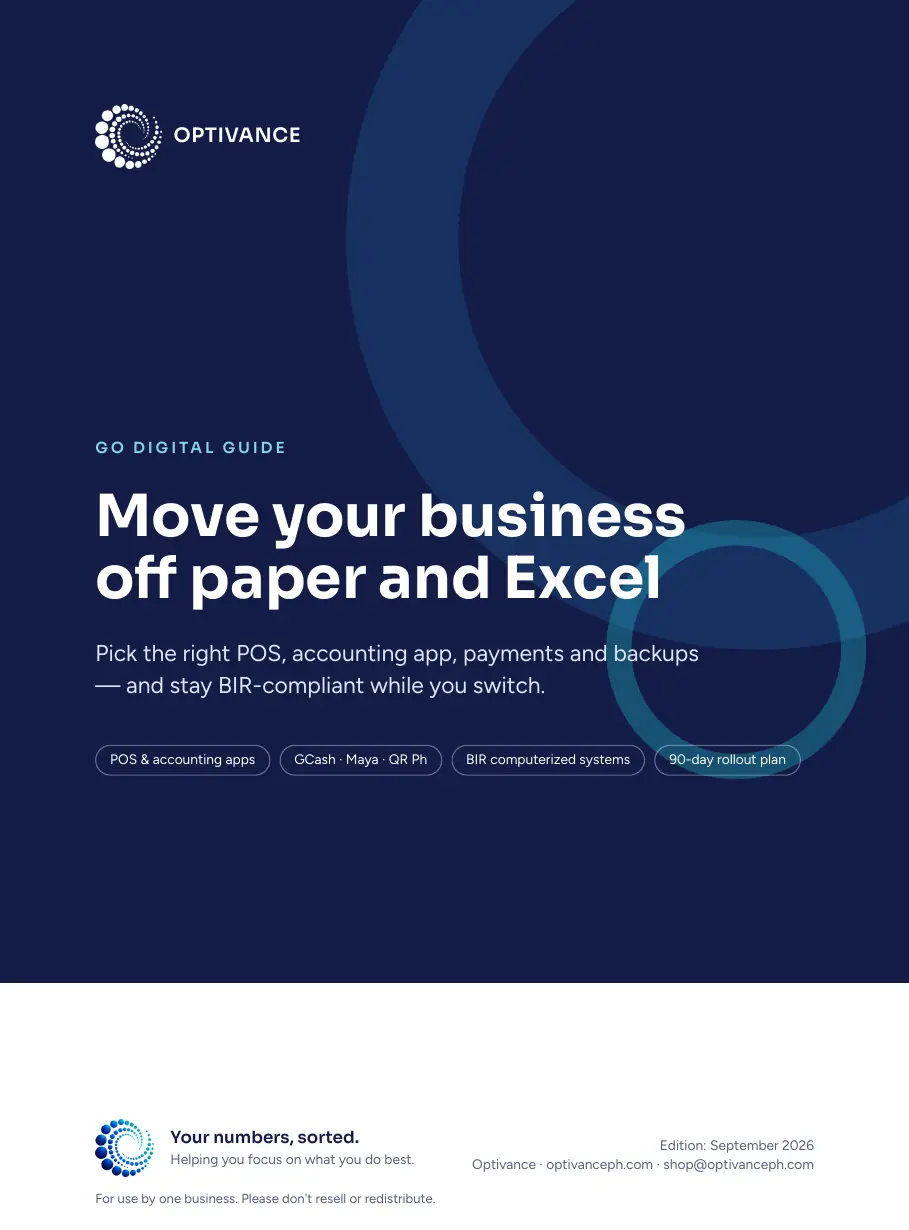
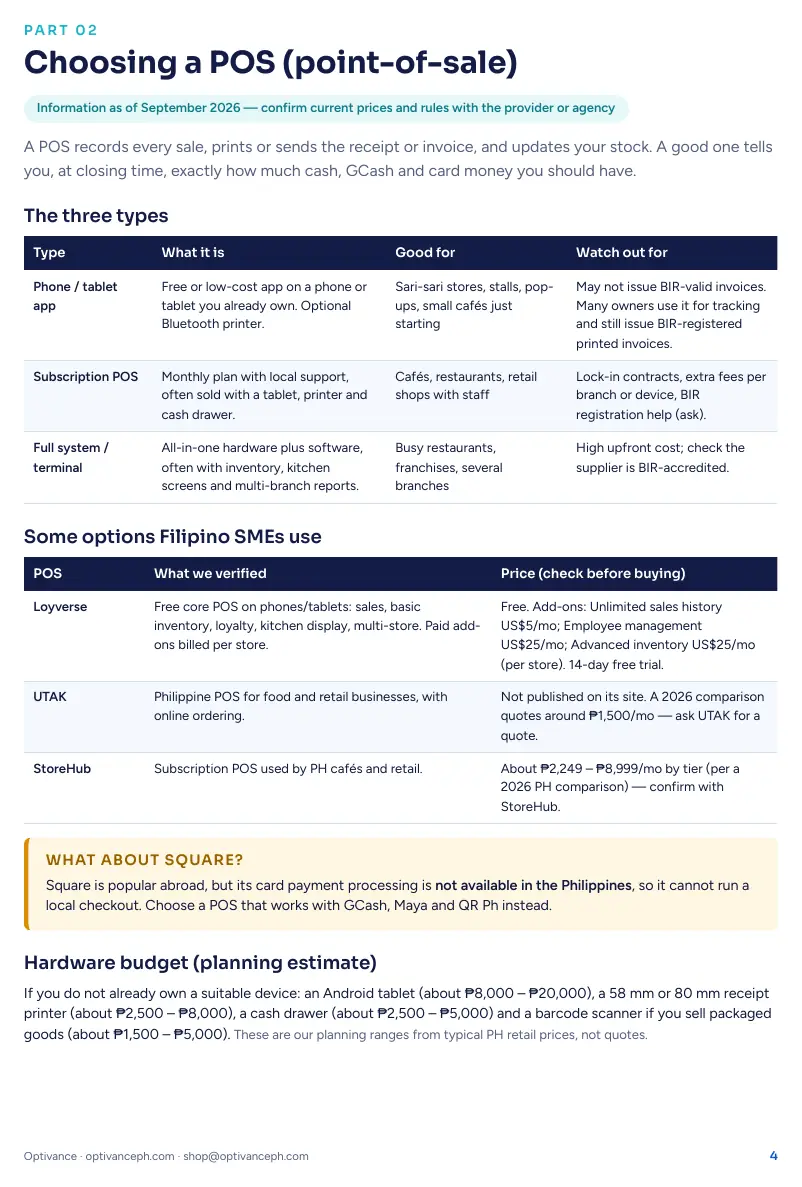
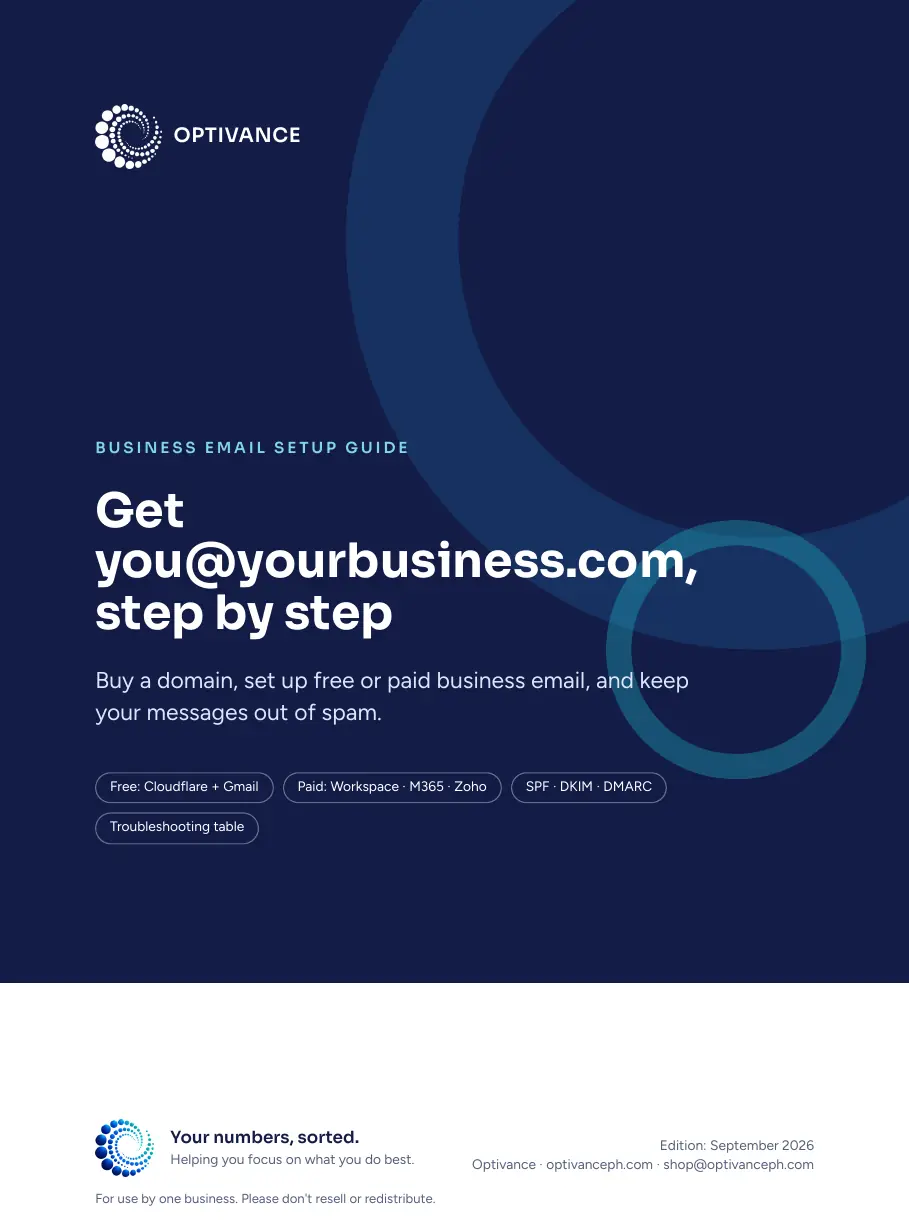
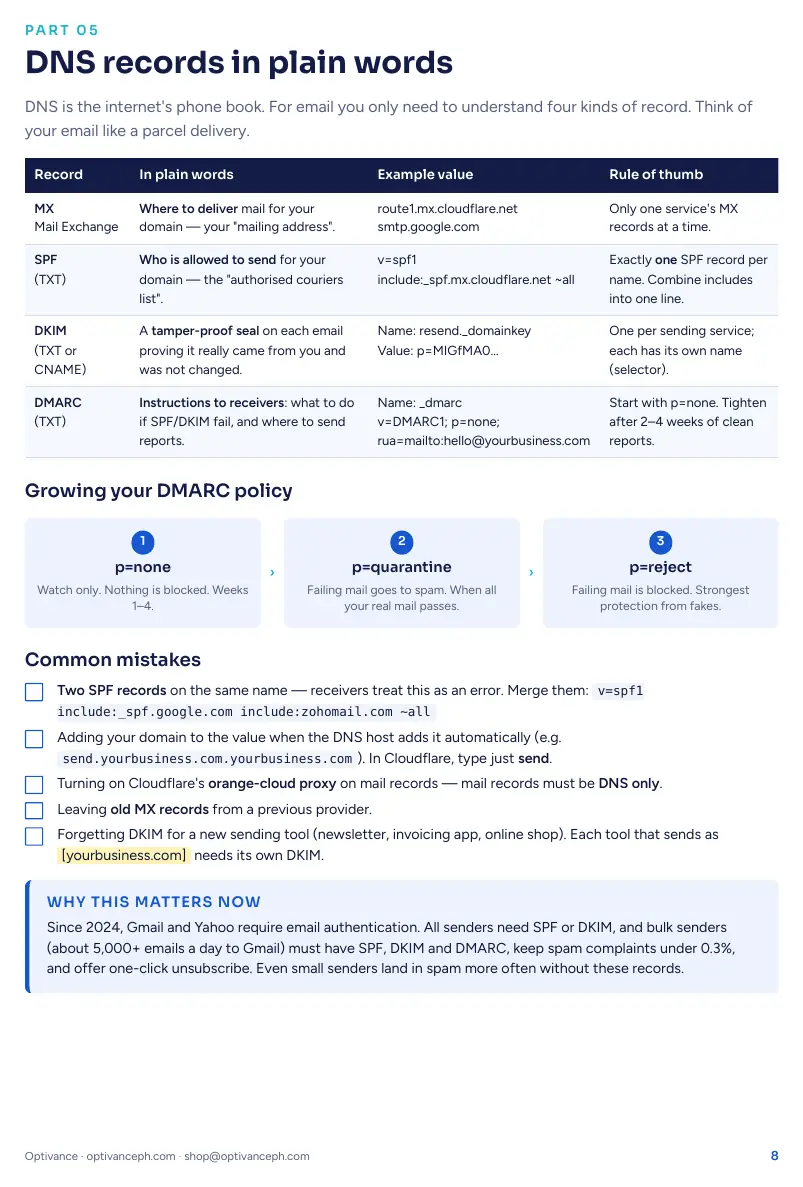
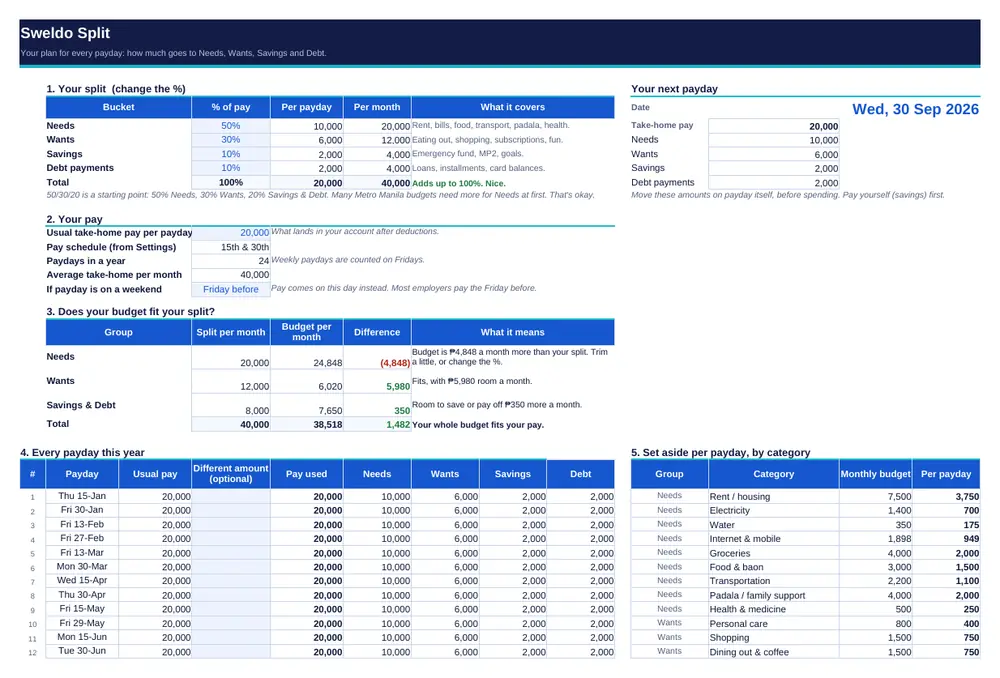
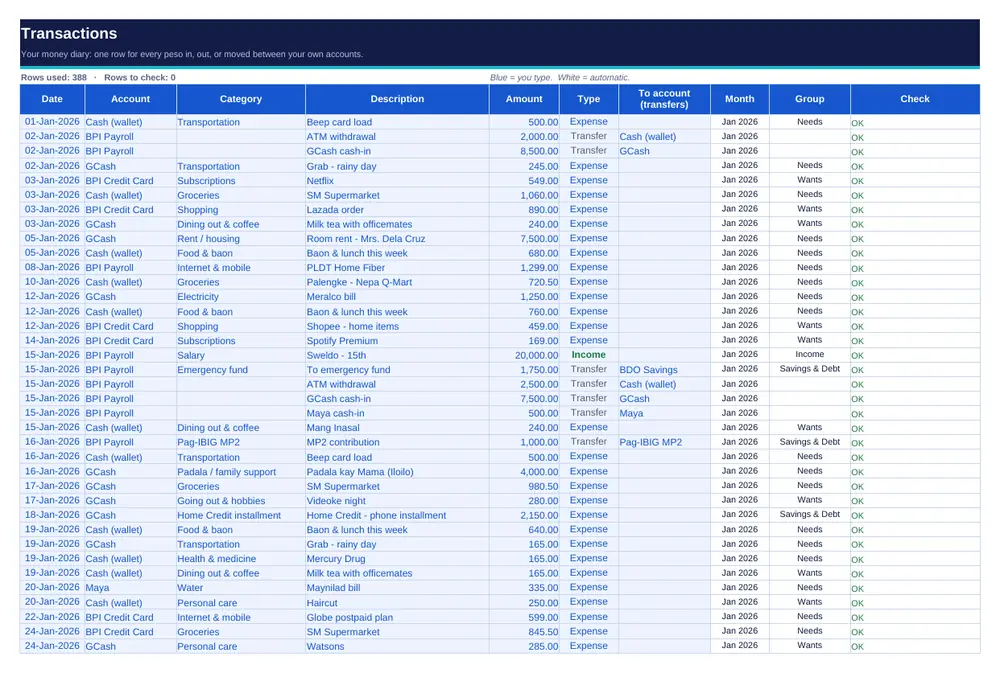
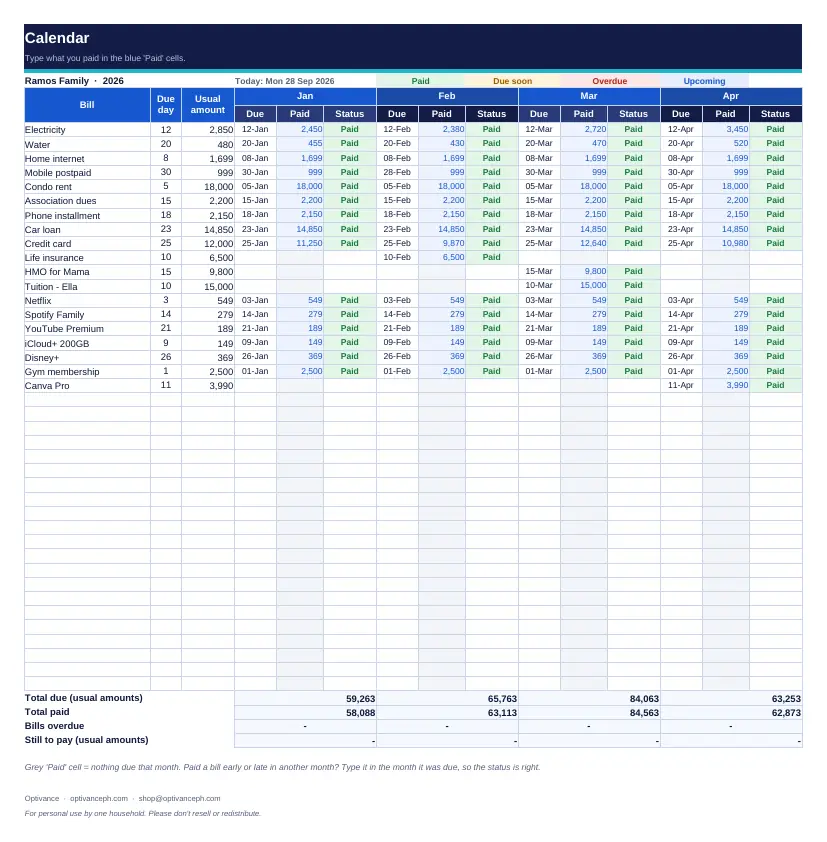
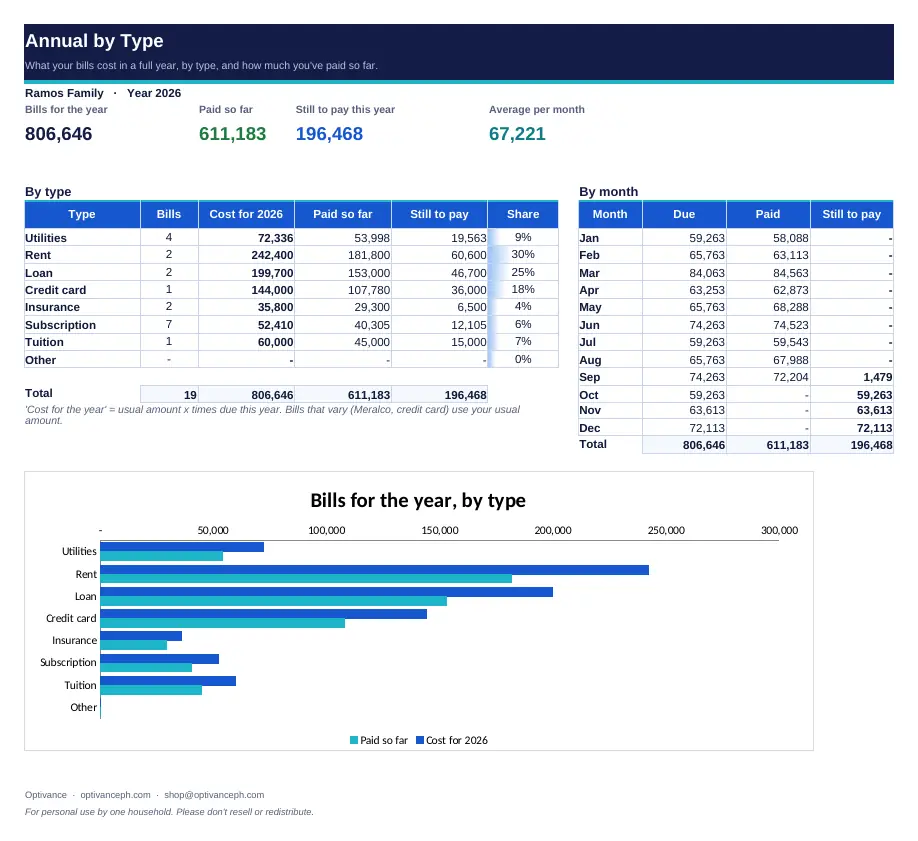
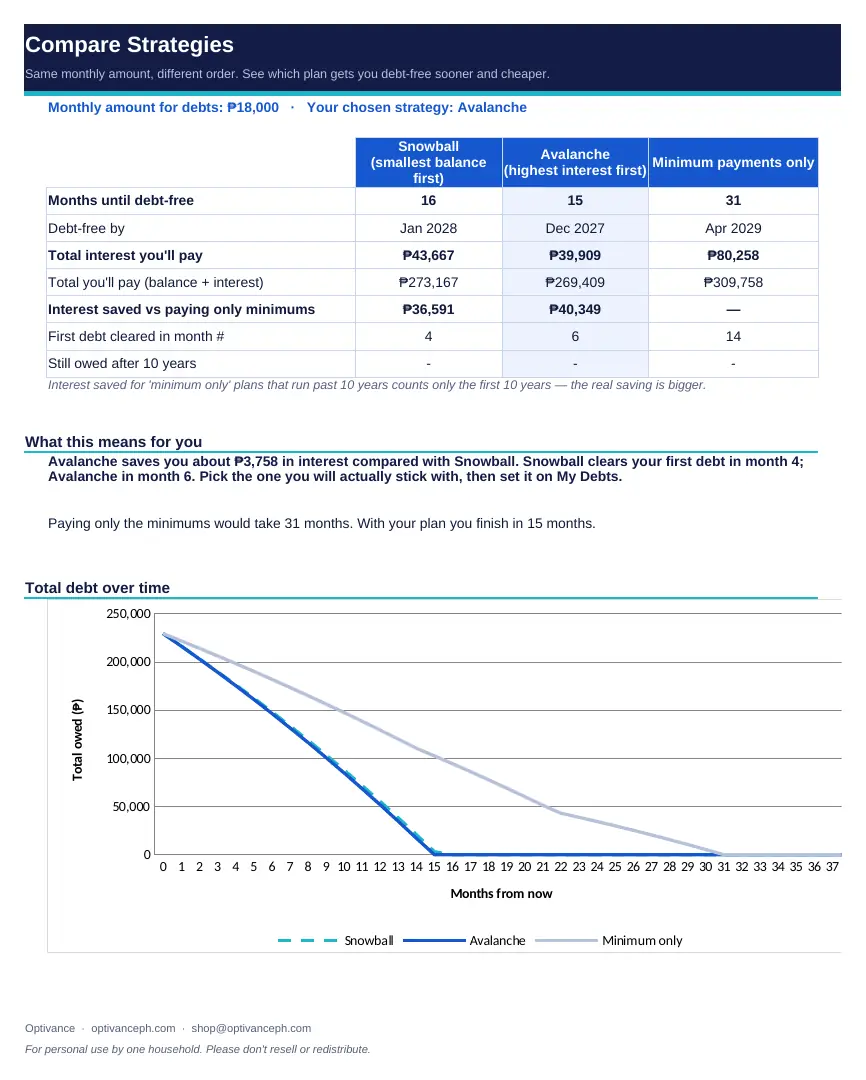
Every spreadsheet comes with sample data, and every guide with a short “How to use” page, so you can see how it works before you type a single number of your own.

How ordering works

Pay with PayPal, get your files in minutes

No account to create on our site, any time of day. Pay on PayPal’s secure page and your files arrive by email.

  1. 01

    Choose what you need

    Tick a bundle or any single product below. The total updates as you go.

  2. 02

    Pay with PayPal

    Pay on PayPal’s own secure page, with your PayPal balance or a linked card.

  3. 03

    Get your files

    Your files are emailed to your PayPal address within minutes of paying — any time of day.

  4. 04

    Start on “Start Here”

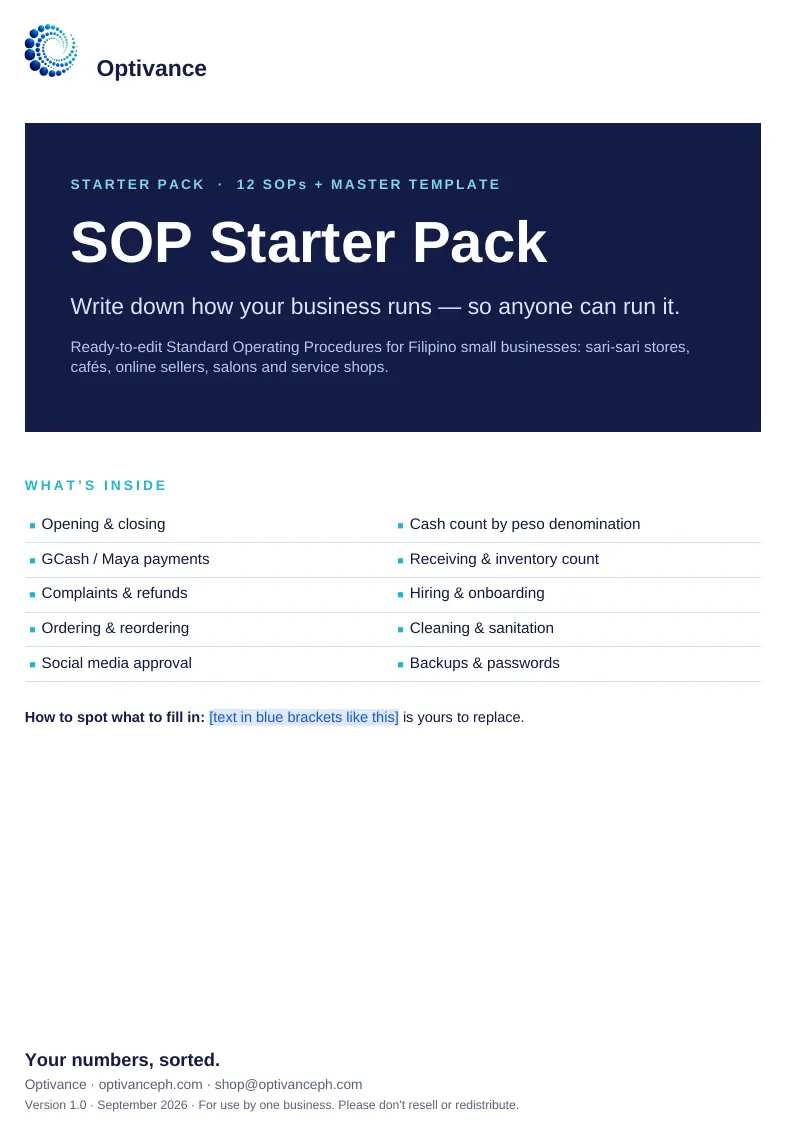
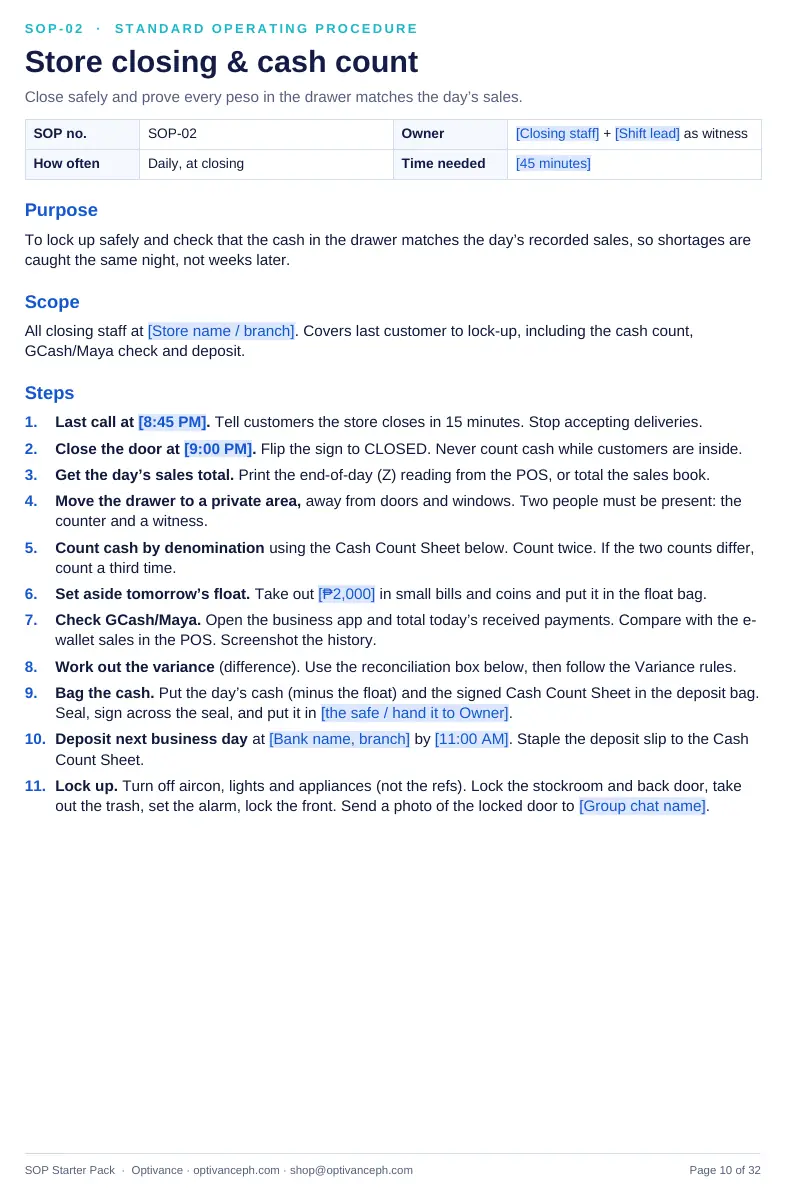
    Every spreadsheet opens on a short guide with sample data; every Word file and PDF starts with “How to use”.

Your order

Pick a bundle, or any of the single products.

Products

Pay with PayPal

Use your PayPal balance or a card linked to PayPal. Your files are emailed to your PayPal address within minutes of paying.

You pay on PayPal’s own secure page — this site never sees your card or PayPal login. See the privacy notice.

What you get

  • Excel, Word and PDF files, yours to keep and use every year
  • A “Start Here” or “How to use” guide in each file
  • Sample data, so you can see how it works first
  • An invoice for your records, on request
  • Email help if you get stuck setting it up
We will never ask for your card, OTP or passwords. You only ever pay on PayPal’s own page, reached from this site, and the payee is Optivance. If anyone asks you to pay another way, don’t — email shop@optivanceph.com first.

Our promise

If a product doesn’t work the way this page describes, tell us within 7 days. We’ll fix it, or refund you in full.

Common questions

Before you order

Questions about a product or an order? Email shop@optivanceph.com.

Do I need to know accounting or Excel formulas?

No. You only type in the shaded blue cells — dates, amounts, item names. Every formula is already written, and each file opens on a short “Start Here” guide.

Which apps do I need? Does it work on a Mac or in Google Sheets?

Spreadsheets need Microsoft Excel 2010 or later, on Windows or Mac. Most features also work in Google Sheets and LibreOffice, but a few dropdowns behave differently there, so we recommend Excel. Word files open in Word, Google Docs or WPS, and the guides in any PDF reader.

Are the tax, SSS, PhilHealth and Pag-IBIG rates up to date?

They were checked against official and reputable sources as of September 2026, and they sit in an editable Rates or Settings sheet so you can update them when the rules change. The files are for planning and record-keeping: always confirm figures with the agency or your accountant, or with us, before you file or pay.

Are the HR forms legal advice?

No. They are practical starting templates written for Philippine rules. Have a lawyer review contracts and disciplinary notices before you use them for a real case.

Can I use it for more than one business?

Each order covers one business. If you run several, order a copy for each — or ask us about a multi-business price.

How fast do I get the files?

Within minutes of paying, any time of day. They’re emailed from shop@optivanceph.com to the address on your PayPal account — if you don’t see them, check your Junk or Spam folder.

Do I get an invoice?

Yes. Reply to the email your files came in with your business name, and TIN if you need it on the invoice, and we’ll send one.

Can you set it up for me?

Yes. We can load your items, customers and opening balances, or adapt a template to how your business works. Book a free consult and tell us what you need.

Rather have someone keep the books for you?

The templates are the do-it-yourself version of what we do for clients every month.
See the accounting service